
Apple has announced free battery replacement program for certain MacBook Pro laptop models. The program is available across the world. According to the company, if your MacBook is eligible for the program, you should contact Apple to take it to an Apple Store or Apple authorized service provider. Here’s all you need to know about this plan.
What is the issue
Apple has identified an issue where MacBook Pro models are unable to charge above 1%.

The laptop models affected
The affected MacBook Pro models include:
- MacBook Pro (13-inch, 2016, Two Thunderbolt 3 Ports)
- MacBook Pro (13-inch, 2017, Two Thunderbolt 3 Ports)
- MacBook Pro (13-inch, 2016, Four Thunderbolt 3 Ports)
- MacBook Pro (13-inch, 2017, Four Thunderbolt 3 Ports)
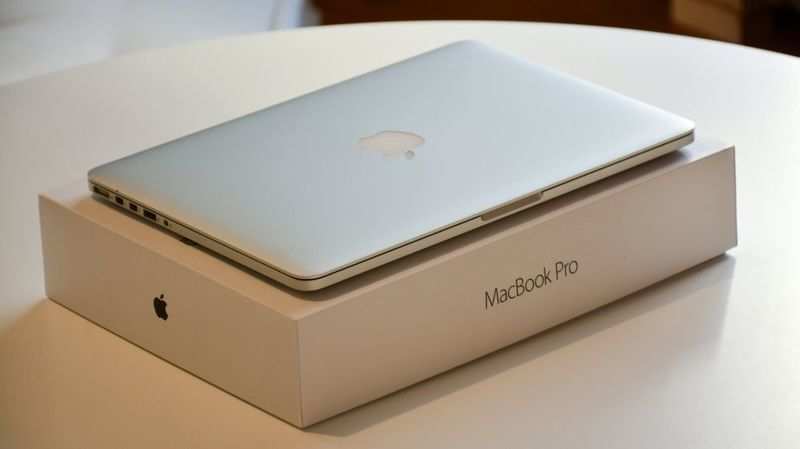
How will users know if their laptop’s battery is affected
The battery health status on these laptops will indicate “Service Recommended.” If the status indicates that your battery is Normal, your battery is not affected by this issue.

How to check my battery health
To determine if your battery needs service, check the battery health:
* In macOS Big Sur, choose Apple menu > System Preferences, click Battery, select Battery in the sidebar, then click Battery Health.
* In macOS Catalina or earlier, hold the Option key and click the battery icon in the menu bar to reveal the battery status menu.

Affected macOS versions
The issue comes after update to macOS Big Sur 11.2.1 or or the latest supplemental update of macOS Catalina 10.15.7. Apple also issued a macOS update, macOS 11.2.1, to address the problem and prevent it from spreading in machines that are operating normally.

How to update your macOS
Choose System Preferences from the Apple menu, then click Software Update to check for updates. Look for macOS Big Sur 11.2.1 or later or macOS Catalina 10.15.7 supplemental update.




0 Comments